升级至 Matter for Eve Motionblinds
升级到 matter - 开始之前
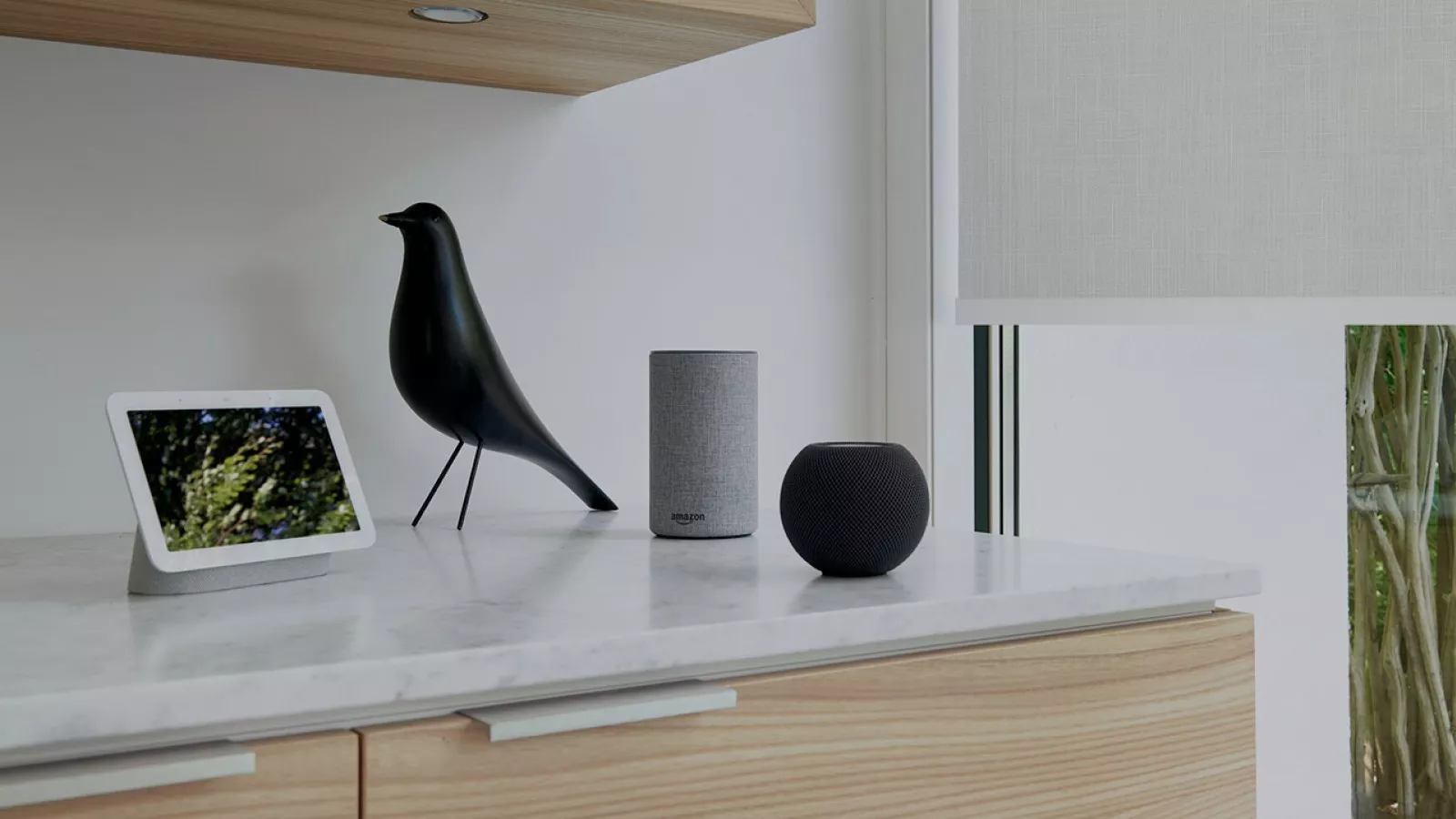
智能家居的未来已经到来。Matter 已经到来 - Eve Motionblinds 电机已准备好与智能家居设备的新标准配合使用,使其能够与所有主要平台配合使用,包括 Apple Home、Google Home、Amazon Alexa 和 Samsung SmartThings。对于使用 HomeKit 固件的第一代 Eve Motionblinds 电机,可以通过 Eve 应用程序免费无线升级到 Matter。
Google Home、SmartThings 或 Alexa
如果您想通过 HomeKit 以外的其他平台控制 Eve Motionblinds,例如 Google Home、Samsung SmartThings 或 Amazon Alexa,则值得将 Eve Motionblinds 从 HomeKit 升级到 Matter。
Apple Home
对于只使用 Apple 设备的家庭来说,从 HomeKit 升级到 Matter 是可选的,但不是必须的。如果您不升级,Eve Motionblinds 将继续通过 Thread 与 HomeKit 配合使用,就像您以前习惯的那样。
蓝牙
升级到 Matter 后,电机不再支持蓝牙。因此,Eve Motionblinds 无法再通过 Eve 应用程序进行蓝牙操作。这意味着,您需要一个边界路由器才能通过智能手机控制 Eve Motionblinds。
无路可退
一旦升级到 Matter,就无法将电机上的固件迁移回 HomeKit。如果您不升级到 Matter,Eve Motionblinds 将继续像以前一样与 Apple HomeKit 一起工作。
升级为物质
智能家居的未来已经到来。Matter 已经到来 - Eve Motionblinds 电机已准备好与智能家居设备的新标准配合使用,使其能够与所有主要平台配合使用,包括 Apple Home、Google Home、Amazon Alexa 和 Samsung SmartThings。对于使用 HomeKit 固件的第一代 Eve Motionblinds 电机,可以通过 Eve 应用程序免费无线升级到 Matter。
Google Home、SmartThings 或 Alexa
如果您想通过 HomeKit 以外的其他平台控制 Eve Motionblinds,例如 Google Home、Samsung SmartThings 或 Amazon Alexa,则值得将 Eve Motionblinds 从 HomeKit 升级到 Matter。
Apple Home
对于只使用 Apple 设备的家庭来说,从 HomeKit 升级到 Matter 是可选的,但不是必须的。如果您不升级,Eve Motionblinds 将继续通过 Thread 与 HomeKit 配合使用,就像您以前习惯的那样。
蓝牙
升级到 Matter 后,电机不再支持蓝牙。因此,Eve Motionblinds 无法再通过 Eve 应用程序进行蓝牙操作。这意味着,您需要一个边界路由器才能通过智能手机控制 Eve Motionblinds。
无路可退
一旦升级到 Matter,就无法将电机上的固件迁移回 HomeKit。如果您不升级到 Matter,Eve Motionblinds 将继续像以前一样与 Apple HomeKit 一起工作。
想要将 Eve Motionblinds 从 HomeKit 升级到 Matter?请访问此网页。
If re-adding the Eve Motionblinds via Matter after the firmware upgrade does not succeed, please reset it. After the reset, try adding it again and make sure you’re using the correct Matter Setup Code provided to you at the beginning of the upgrade process. Note: iCloud and iCloud Keychain are required to add Matter devices to Apple Home. Make sure they are turned on in your iPhone’s settings.
To check if your Eve Motionblinds has been upgraded successfully, go to Settings > Accessories > your device > Details > Compatibility – this will indicate whether your device has been upgraded to Matter.
Please make sure you have updated your iPhone and home hub to software version 17. If the issue persists, restarting your home hub may improve reliability.
In order to update Eve Motionblinds from HomeKit to Matter, you have to use the Eve app for HomeKit. Once Eve Motionblinds has been upgraded to Matter, you can grant every family member local and direct access to it – no matter which voice assistant or app they prefer.
Eve Motionblinds that are compatible to HomeKit only require the Eve app running on an iOS device to apply firmware updates.
Every platform in a Matter smart home needs its own Matter controller. In Apple Home, HomePod (2nd gen.), HomePod mini or Apple TV 4K (2nd gen. / 3rd gen. 128 GB) qualify as Matter controllers. They also act as Thread Border Routers, connecting Eve Motionblinds to your home network.
The entire lineup of Thread-enabled Eve Motionblinds motors will receive free Matter firmware updates over time. We don't have a timeline and order to share at this time.
可以。对于 自动操作,无论你是通过 HomeKit 还是 Matter 将设备添加到家中,Apple Home 都不会区别对待 。
Once you have updated your Eve Motionblinds to Matter, open Apple Home, press and hold the tile of your blind and choose Accessory Details. Tap the gear icon in the lower right corner. Tap Turn on Pairing Mode. Wait for Apple Home to display the Setup Code and use it on your secondary platform to connect your device. For the secondary platform, a compatible Matter controller of that platform will be required.
Upgrading to Matter is worthwhile if you want to control Eve Motionblinds from an additional platform. This requires a Matter controller of this platform. If your household uses Apple devices exclusively, upgrading to Matter is optional, and your Eve Motionblinds' feature set or performance will remain unchanged.
Currently, iPhone users can upgrade selected Eve Motionblinds motors to Matter using the Eve app. Eve-specific, custom functionality will be preserved. Please note that once you've upgraded Eve Motionblinds to Matter, you can't migrate it back to HomeKit, and it will no longer support Bluetooth.
Features like programming end limits for blinds and on-device schedules are unique to Eve and are currently not supported by all platforms. While iPhone and iPad users will keep those features when upgrading, they may not be supported from the start on other platforms. Nevertheless, end limits for blinds can be easily programmed using the program buttons on the motor itself.