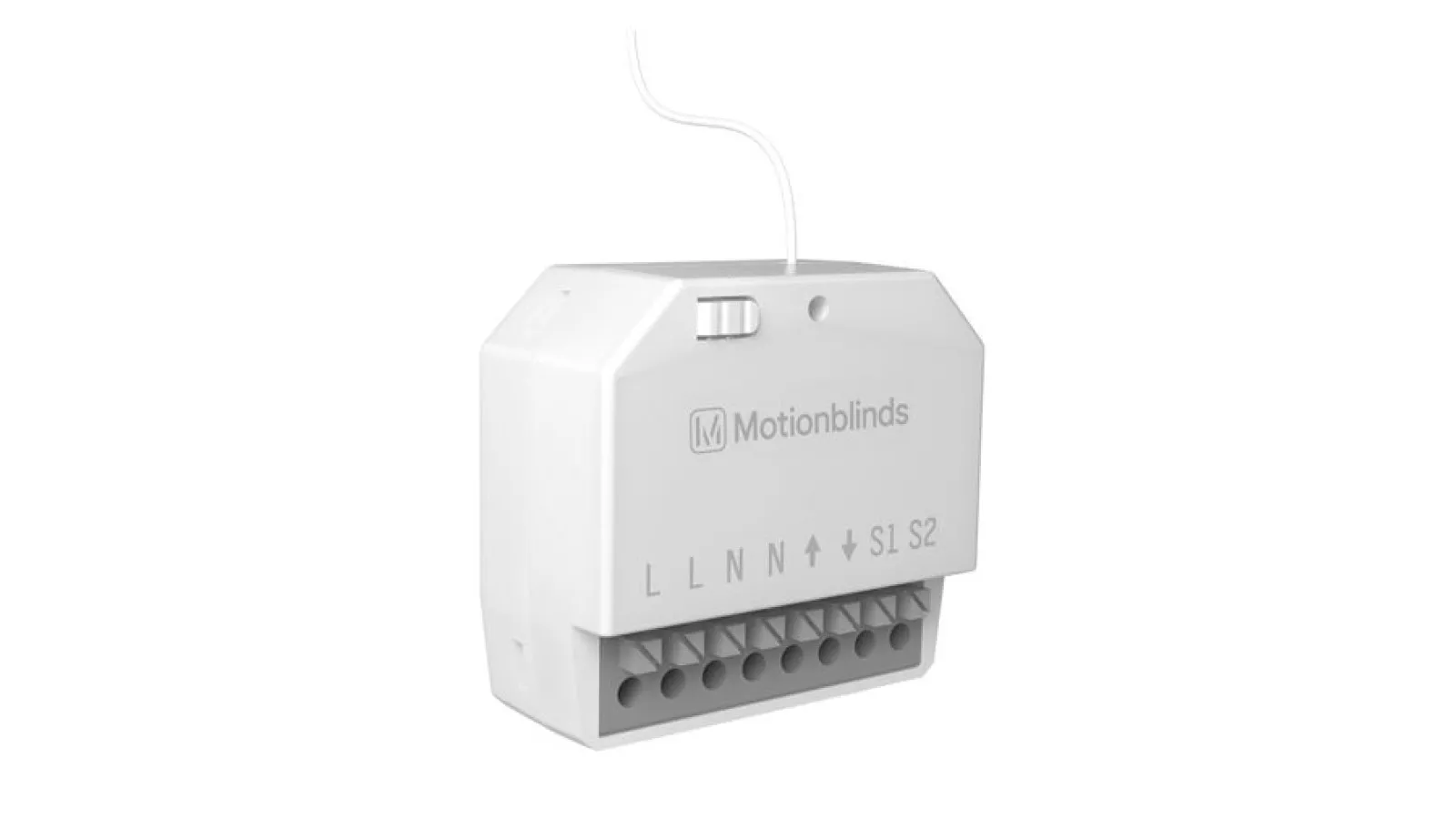
Motionblinds Smart Switch CM-34
Início
Motionblinds Smart Switch CM-34
FAQ CM-34 Smart Switch
Power supply is not connected.
Connect the wiring according to step 1.
Remote battery is empty.
Replace the battery in the remote.
Remote battery is inserted incorrectly.
Replace the battery in the remote.
Radio interference / shielding.
Make sure that the antenna of the switch is out of the way from metal objects.
The distance from the remote to the switch is too far.
Move closer to the smart switch.
The remote is not connected to the switch.
Pair the remote to the smart switch. See step 2.
Direct control is de-activated.
Activate direct control. See step 7.
No end limits are programmed.
First let the smart switch calculate the end limits. See step 5.
The blind is in program mode.
Press the program button on the smart switch to de-activate program mode.
Ainda tem dúvidas?